

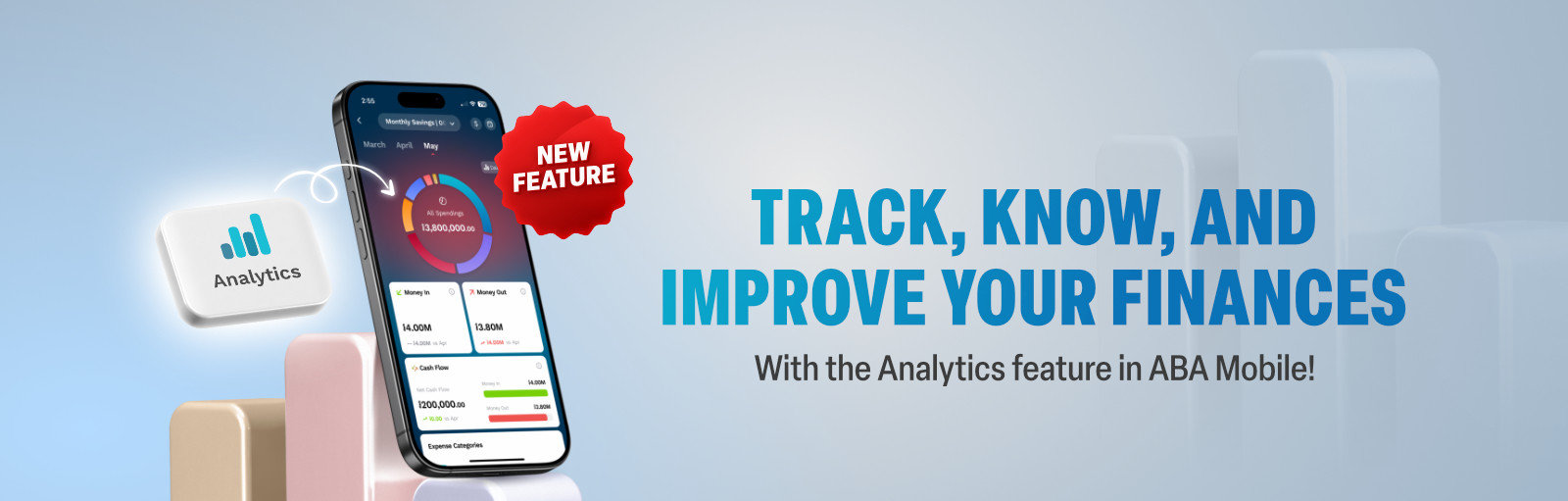
Analytics Feature
Ever wonder where your money goes by the end of the month? With ABA Analytics, your spending story is one tap away!
ABA Analytics is a Personal Finance Management (PFM) feature designed to help you track, analyze, and improve your financial habits inside ABA Mobile. Whether you're budgeting for your household, saving for a goal, or simply curious about your spending, ABA Analytics gives you the clarity you need – right from your smartphone.
What you can do with ABA Analytics


Cashflow tracking See your Money In and Money Out instantly

Spending insights Know exactly where your money goes, daily or monthly

Expense categorization Transactions are grouped automatically – effortless budgeting

Budgeting tool Set monthly budgets and stay on track with progress updates

Currency flexibility View reports in KHR or USD with an easy switch

Multi-account view View insights across one or multiple ABA accounts

Financial habits Friendly nudges when you overspend and encourages when you save
How it helps you
- Stay in control: Know exactly where your money goes and how to optimize your spending.
- Build better habits: Track your progress and stay motivated to reach your financial goals.
- Make smarter decisions: With clear insights, you’re one step ahead in managing your finances.
Getting started is simple
- Open ABA Mobile and tap the Analytics icon on the home screen or inside the Accounts menu.
- Accept the Terms & Conditions (first-time only)
- See your income and expenses in a clean, visual dashboard.
New to ABA?
You can easily download the mobile application and enjoy uninterrupted banking on ABA Mobile for free. Use the links below to download the app from your smartphone's app store:


If you are not our customer yet, open ABA Instant Account right in ABA Mobile (a valid Cambodian ID required) or head down to your nearest ABA branch and set up your account. If you have any questions, please call us at 1 800 203 203 (toll-free inside Cambodia).
Frequently Asked Questions (FAQs)
- The Analytics button in the main menu of ABA Mobile
- The Default Account widget
- Inside any ABA account
- Categorized income and expenses
- Spending trends over time
- Budget progress
- Financial activity by week, month, quarter, year, or custom date ranges.
General Terms and Conditions, General Terms and Conditions for Online Services, and ABA Mobile Terms and Conditions apply. You need Adobe Reader to view this PDF files.